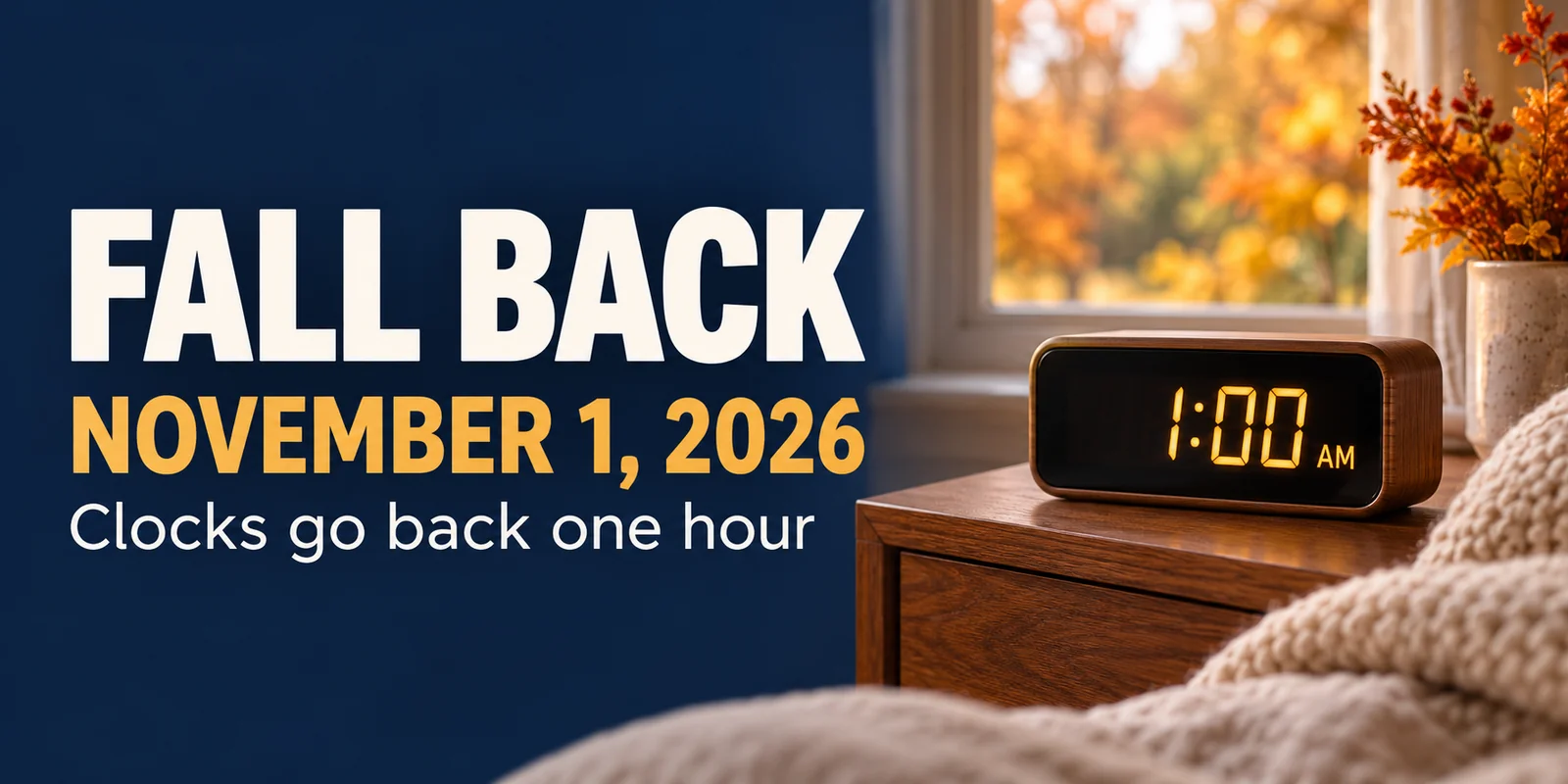
Most U.S. locations observing daylight saving time move clocks back one hour at 2 a.m. local time on Sunday, November 1, 2026. At that moment, 2 a.m. becomes 1 a.m. as standard time resumes.
NIST’s Daylight Saving Time Rules confirms the 2026 date and local transition time, and the U.S. Naval Observatory’s 2026 table lists the same end date. The easy reminder is “fall back.” If you have manually set clocks, you can turn them back before bed on Saturday, October 31, rather than staying awake until 2 a.m.
The date is straightforward. The small practical details are what tend to catch people out: an oven clock left an hour ahead, an early airport pickup, or a thermostat that starts heating on yesterday’s schedule. Here is what to check so Sunday morning—and the working week after it—runs more smoothly.
When do clocks go back in 2026?
In participating U.S. locations, the change happens early on Sunday, November 1, at 2 a.m. local daylight time. Clocks return to 1 a.m. local standard time, repeating the hour from 1 a.m. to just before 2 a.m.
That means the switch follows the Halloween evening of Saturday, October 31. It is a local-time change in each observing time zone, not one simultaneous nationwide switch.
There is an extra hour on the clock that night. Whether you spend it sleeping, working, traveling, or finishing Saturday’s plans depends on your schedule.
Which states and U.S. territories do not change their clocks?
The U.S. Department of Transportation lists these places as not observing daylight saving time:
- Hawaii.
- Most of Arizona.
- American Samoa.
- Guam.
- The Northern Mariana Islands.
- Puerto Rico.
- The U.S. Virgin Islands.
The Navajo Nation is an important Arizona exception: it observes DST. NIST specifically identifies this exception, so “Arizona does not change its clocks” is too broad a rule for every location in the state.
If you live in an area that stays on standard time, leave your clocks unchanged. Still check appointments involving people elsewhere: your local time may stay the same while the difference between your location and theirs changes.
Will my phone change the time automatically?
Most current smartphones should handle the change when automatic time settings and the correct time zone are enabled. NIST notes that many cell phones and computer clocks update automatically. It is still worth checking your settings before relying on a Sunday alarm.
On an iPhone, look in Settings → General → Date & Time for the automatic time options. Apple advises keeping software current and checking the location setting used to determine the time zone. The wording can vary with the software version.
On Android, look for Date & time settings and check automatic date/time and automatic time-zone options. Google notes that some devices use location to determine the time zone; menu names and available options vary by device.
You do not normally need to move an automatically updating phone back manually as well. Doing both can leave you with the wrong time. After the change, check the displayed time and your next alarm, particularly if you recently traveled or previously set the time zone yourself.
If you need to be somewhere early, verify the alarm’s day, time, sound, and volume before bed. Do not assume that correcting the phone’s clock will fix an alarm accidentally set for weekdays only.
Which clocks might need changing by hand?
Walk through the clocks you actually use. Common examples include microwave and oven displays, wall clocks, older alarm clocks, car dashboards, and standalone timers.
Some clocks synchronize automatically; others have a separate DST switch or an older built-in rule. Check the manual rather than assuming every digital display updates itself. For radio-controlled clocks, NIST recommends checking reception and the time-zone or DST setting if the displayed time is wrong after the change.
Set manual clocks back one hour, once. If you do the job on Saturday evening, let the rest of the household know so nobody repeats it on Sunday. Avoid relying on a mixture of changed and unchanged clocks when setting a timer or arranging a pickup.
What should travelers check on the clock-change weekend?
For a November 1 flight, train, bus, rental-car pickup, or hotel transfer, reopen the booking confirmation and check the date, location, and stated time zone. Confirm an unclear time with the operator instead of applying an extra one-hour adjustment yourself.
Pay particular attention to journeys that cross time zones or pass through places that do not observe DST. International destinations may change clocks on different dates or not at all. Use the specific cities and travel date when checking the time difference.
An arrangement during the repeated hour needs extra care. A pickup described only as “1:30 a.m. Sunday” could mean the first or second occurrence. Ask the operator or person meeting you to clarify which one is intended.
Keep an accessible copy of your itinerary and pickup instructions. Our travel planning guide offers a broader checklist for transport, mobile connectivity, and preparing your home before departure.
How can the time change affect sleep routines and appointments?
An extra hour on the clock does not guarantee an extra hour of sleep. Children, pets, shift work, and early commitments may still determine when your household gets up. Give yourself a little flexibility on Sunday and agree on the next day’s bedtime and wake-up plans rather than leaving everyone to interpret the change differently.
Check morning alarms, school or childcare arrangements, recurring calls, and appointments outside your time zone. A calendar invitation with a location-based time zone may adjust differently from a handwritten note or an event entered with a fixed time offset. Confirm important events with the organizer if the displayed time looks unexpected.
For overnight work, ask your employer how the repeated hour is identified on the roster and time records. Do not guess from a wall clock alone. If medication or medical equipment follows a time-sensitive schedule, ask your pharmacist or care team how to handle the change instead of adjusting it based on general clock advice.
Do smart-home devices and thermostats change automatically?
Some do, but the answer depends on the device and its configuration. A connected device may use a time zone stored in an app or hub; a standalone timer may have only a manually set clock. Check the manufacturer’s instructions for your model.
Start with devices that control something you will notice: heating, exterior lights, smart plugs, scheduled blinds, and home or workplace access routines. Confirm the location, time zone, and automatic DST setting where available, then review what is due to happen next.
For a programmable or smart thermostat, check both the displayed time and the weekday/weekend schedule. Make sure the morning warm-up, away period, and evening settings still match when the building is occupied. If the clock updates automatically, do not also shift every scheduled event by an hour without checking how the system handles it.
The clock change is a useful reminder to review a schedule, not a reason to choose a new temperature blindly. Keep settings appropriate for your household, property, and heating equipment, following the manufacturer’s guidance.
A short fall home checklist for the time change
You do not need to turn Sunday into a major maintenance project. These four checks cover the most useful jobs to pair with changing the clocks.
1. Check thermostat schedules
Confirm the date, time, heating mode, and daily schedule. Look for holiday settings or a temporary hold that no longer fits your routine. In a workplace, have the authorized person confirm opening hours and occupied periods.
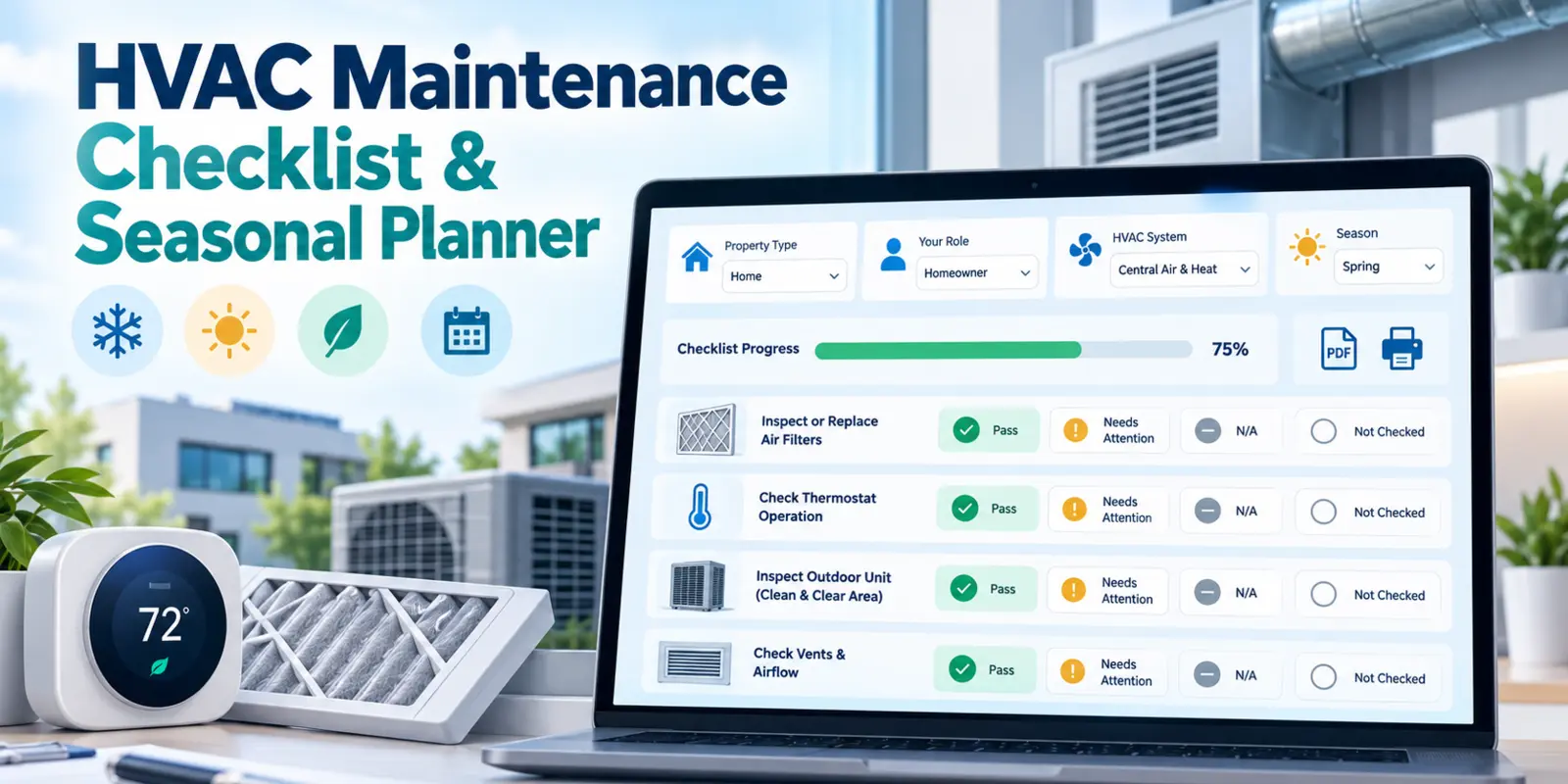
For a structured record, use the HVAC Maintenance Checklist & Seasonal Planner. Choose your role, property type, system, and season, then print a blank checklist or record your observations and print the completed report.
2. Test smoke and carbon monoxide alarms
Test alarms according to the manufacturer’s instructions. CPSC recommends monthly testing, so the clock change can be a reminder to check—not a replacement for the regular schedule.
Review battery and replacement instructions for each model. An alarm with replaceable batteries has different requirements from a sealed-battery unit; do not try to open a sealed battery compartment. Check the alarm’s age and end-of-life instructions, and replace a unit when required. Do not assume smoke and CO alarms all have the same service life.
3. Review exterior lighting timers
Check porch, entrance, pathway, and security-light schedules. A fixed clock-time setting and a dusk-based setting serve different purposes, so review the actual result after sunset. Confirm that entrances and steps are lit when people use them.
If a timer changes automatically, verify the new time before altering its schedule. Leave electrical repairs or wiring changes to a qualified professional.
4. Prepare heating equipment for winter
Check accessible filters and follow your equipment instructions for inspection, cleaning, or replacement. Keep supply and return vents unobstructed, maintain required clearances, and note unusual behavior to discuss with a technician.
ENERGY STAR advises arranging professional heating-system maintenance in the fall, before the busiest winter period. Leave combustion checks, internal electrical work, and other specialist tasks to a qualified technician. Our HVAC maintenance checklist guide explains how routine homeowner observations and professional servicing fit together.
Frequently asked questions
Do we gain or lose an hour on November 1, 2026?
Locations making the fall change gain an hour on the clock. At 2 a.m., the time returns to 1 a.m. This is the end of daylight saving time and the return to standard time.
Should I change the clocks on Saturday night or Sunday morning?
Either works for manually set clocks. You can turn them back one hour before bed on Saturday, October 31, or change them on Sunday morning. The official transition is at 2 a.m. Sunday. Automatically updating devices should be checked rather than adjusted twice.
Do Hawaii and Arizona fall back in November?
Hawaii and most of Arizona do not. The Navajo Nation observes DST and makes the seasonal change. Use the exact location when checking a trip or meeting involving Arizona.
Will it get dark earlier after the clocks go back?
Sunset is about an hour earlier by the clock because the clock has moved back. Changing the clock does not itself remove an hour of daylight. Check your local sunset time when planning outdoor activities or lighting schedules.
Do I need to change the time on my thermostat?
Check first. Some thermostats adjust automatically, while others need a manual change or a corrected DST setting. Verify the clock and the next scheduled heating period, using your model’s instructions.
Should I replace every alarm battery when the clocks change?
No single battery rule fits every alarm. Test the unit and follow its battery and replacement instructions. Sealed-battery alarms should not be treated like models with removable batteries, and an end-of-life alarm may need replacement rather than a new battery.
What is the easiest way to remember the important checks?
Use a short list: clocks, appointments, thermostat, alarms, and lighting. Then add any heating maintenance that is due. You can organize the heating-related jobs with the free HVAC checklist planner and keep a printed copy for follow-up.
Sources and verification
Date and U.S. exceptions checked October 30, 2026, against NIST’s Daylight Saving Time Rules and Local Time FAQs, the U.S. Naval Observatory’s 2026 Daylight Saving Time table, and the U.S. Department of Transportation’s Daylight Saving Time guidance. Phone-setting details were checked against Apple and Google support guidance. Alarm and heating checks draw on CPSC smoke/CO alarm guidance and the ENERGY STAR Maintenance Checklist. Follow the current instructions for your specific devices and equipment.
Share this article
Know someone who might find this useful? Pass it along.