
Start with immediate safety
If anyone is in immediate danger, leave the affected area and call 911 from a safe location. Do not delay emergency help to complete the assistant. For non-immediate concerns, continue only when it is safe to do so.
Designed for homes and workplaces in the United States. Explore guided questions about plumbing, electrical, HVAC, and water damage concerns. This tool does not diagnose problems or confirm safety.
If there is immediate danger, move to a safe location and call 911 in the United States. This educational tool cannot diagnose problems or confirm a property is safe.
United States use only. This assistant is currently designed for use in the U.S.; support for other countries may be added in the future.
HOME EMERGENCY GUIDE
Choose a category, then a problem. We will guide you through safety checks and possible next steps.
Common concerns involving water supply, fixtures, drains, and leaks.
Common concerns involving outlets, circuits, wiring, and power.
Common concerns involving heating, cooling, and HVAC equipment.
Common concerns involving water entering or damaging a property.
EMERGENCY ASSISTANT GUIDE
Use the guided questions to organize information about a home or workplace concern and review general next steps. The assistant is designed for U.S. use and does not diagnose a problem, verify a hazard, or replace emergency services or a qualified professional.
If anyone is in immediate danger, leave the affected area and call 911 from a safe location. Do not delay emergency help to complete the assistant. For non-immediate concerns, continue only when it is safe to do so.
Select the category that best matches the reported issue, such as plumbing, electrical, heating or cooling, or water damage. The available prompts depend on the concern you choose.
Follow each question and select the answer that most closely describes what has been observed. The questions help organize the report; they do not identify a confirmed cause or establish that a building or system is safe.
Read the assessment summary carefully and consider the suggested next steps. If a listed service connection is relevant, use the displayed details to decide whether to contact that service. QuickServiceSearch connects visitors with listed options and does not endorse providers.
A ZIP code may be requested when checking whether an existing service connection covers a location. It is not needed to read the safety information or complete general guidance where no service lookup is shown.
This is general information for U.S. home and business situations. It cannot confirm the source or severity of a problem, provide a professional inspection, or guarantee service availability. Follow emergency responder instructions, local requirements, and qualified professional advice.
Browse currently listed options in the services directory, or explore the other free tools.
COMMON QUESTIONS
No. It is designed to organize reported symptoms and possible next steps. It cannot identify a precise cause, confirm that a property is safe, or replace a qualified professional or emergency responder.
This assistant provides general information and cannot replace emergency responders or qualified professionals. If someone is in immediate danger in the United States, call 911.
No. Location is not needed to read the information on this page. A ZIP code may be requested only when checking whether an existing service connection covers a particular location.
The assistant will retain the assessment summary and direct visitors to the existing services directory. It will not substitute an unrelated provider or offer.
For currently listed service connections, visit the Quick Service Search services directory.
Practical tips for your next project, helpful service guides, and the latest updates on Quick Service Search.

Explore four new calculators, clearer PDF estimates, Texas roofing coverage, expanded travel services and easier navigation in QuickServiceSearch Update v0.5.
Read article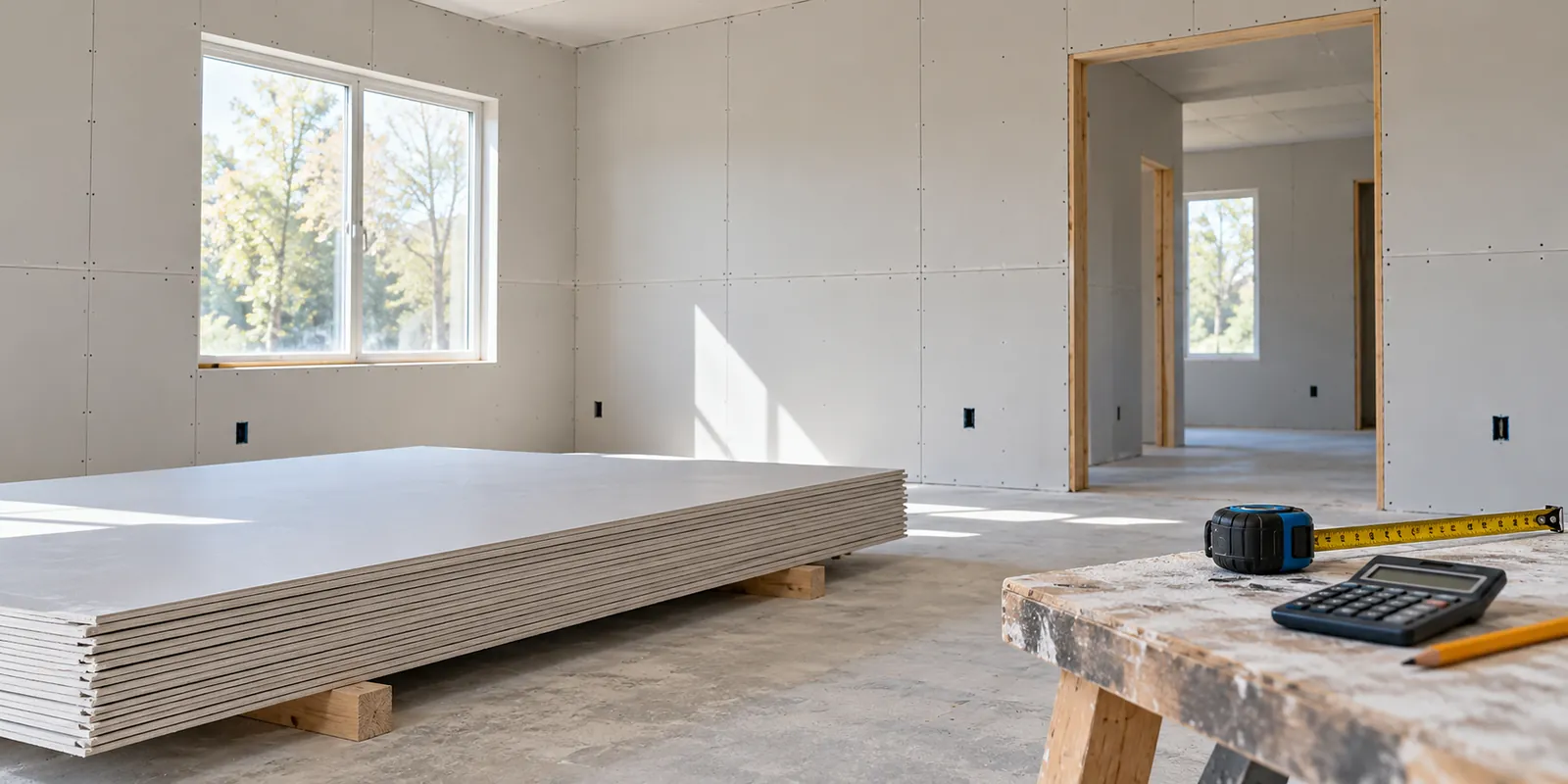
Estimate drywall sheets, waste, materials and labor for one room or several. Learn to plan a project budget in US or metric units and save a PDF estimate.
Read article
Work out how much paint you need, estimate materials and labor, and save a PDF budget. A practical painting calculator guide for homes, workers and businesses.
Read article