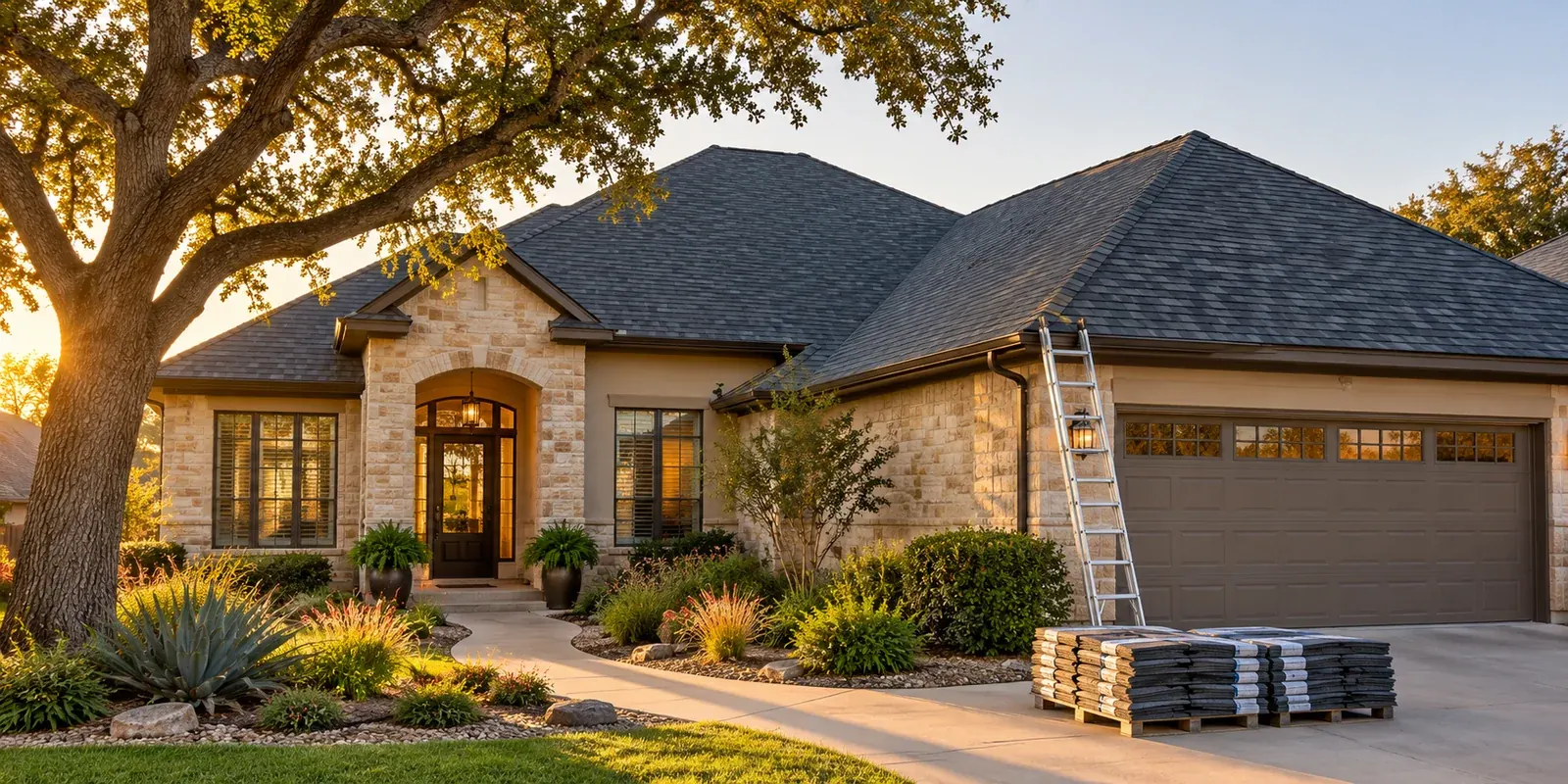
Planning a roof replacement or comparing material options starts with one practical question: how much roof area are you working with? QuickServiceSearch has added a free Roofing Material Calculator to help estimate roof surface area and quantities for asphalt shingles, roof tiles, and metal roofing.
The calculator is available in the Roofing Material Calculator. It supports feet and square feet or meters and square meters, lets you enter roof pitch as rise or degrees, and can prepare a printable or downloadable PDF estimate.
What the roofing calculator can estimate
The tool adjusts each rectangular roof section for pitch, combines the sections, and applies a waste allowance. It then estimates the selected material quantity using the coverage information you enter. Depending on your selections, results can include:
- Roof surface area and roofing squares
- Area after the selected waste allowance
- Shingle bundles, roof tiles, or metal panels
- Optional underlayment rolls
- Optional materials, labor, and combined cost estimates
The goal is to make an early roofing material estimate easier to organize. It is a planning aid; it is not a contractor quote or a substitute for checking measurements and product instructions.
Choose feet or meters and set the roof pitch
Start by selecting Feet and square feet or Meters and square meters. Enter the length and width of each section as a horizontal roof footprint. The calculator converts dimensions and area-based coverage values when you switch units.
Pitch can be entered as rise per 12 inches of horizontal run or as an angle in degrees. For example, a 6:12 pitch is approximately 26.6 degrees. The rise format keeps its 12-inch run reference even when the roof dimensions are entered in meters. If your measurements come from plans or a professional, use the same units and pitch information consistently.
Add a rectangular section for each distinct roof plane you want to include. The tool calculates the slope adjustment for each section before combining the areas. For additional measuring guidance and equivalent feet, meter, rise, and degree examples, see the guide on the roofing calculator page.
Select the roofing material
Different products use different coverage measures, so the calculator shows the quantity field that matches the selected material:
- Asphalt shingles: enter the square footage or square meters covered by one bundle, based on the package or manufacturer information.
- Roof tiles: enter the number of tiles per square meter.
- Metal roofing: enter the effective area covered by one panel after accounting for side and end overlaps.
Coverage varies by product, so replace a starting estimate with the details for the material you are considering. The calculator rounds estimated whole bundles, tiles, or panels up to the next unit.
Add waste, underlayment, and optional costs
Set a waste allowance for cuts and handling. The right allowance depends on the roof layout, material, and installation plan; a simple percentage cannot account precisely for every roof feature.
You can also enable an optional underlayment estimate and enter the effective coverage of one roll. If underlayment is not selected, its coverage and price fields stay out of the estimate.
Optional cost fields let you enter material and labor amounts in USD or EUR. The currency selector changes how entered amounts are displayed; it does not convert prices between currencies or provide local market pricing. Treat the result as a budget worksheet using your own figures.
Print, copy, or download your roof estimate
Once you have entered measurements and product coverage, review the live summary for roof area, roofing squares, waste-adjusted area, and estimated material quantities. The calculator also shows the entered materials cost, labor cost, and combined total when those values are provided.
Use Print estimate to open the formatted report, Download PDF to save a copy, or copy and share the calculator link. The PDF can help you keep the assumptions and entered coverage values together while discussing a project or comparing materials.
Important limits when estimating a roof
This version models separate rectangular roof footprints and applies a pitch adjustment. It does not precisely measure hips, valleys, dormers, openings, overlapping sections, ridge caps, starter strips, flashing, or other detailed components. Roof layouts with these features may need additional materials beyond the calculator’s estimate.
Do not climb onto a roof or enter a hazardous area to collect measurements. Use existing plans, ground-based measurements, or information from a qualified professional. Confirm product coverage, installation requirements, and the final takeoff with a roofing professional or the manufacturer before purchasing materials.
The new calculator joins the free tools in the QuickServiceSearch Tools directory. If you are looking for a listed roofing service connection, browse the Services directory and check the availability shown for your location.
Share this article
Know someone who might find this useful? Pass it along.