The questions people bring to QuickServiceSearch do not always start with “Who should I call?” Sometimes they start a little earlier: how much paint should I buy, how many drywall sheets might this room need, or what will that appliance cost to run?
Since Update v0.4 on October 21, we have been building more ways to work through those first questions. The biggest change is a tools collection that has grown from two guides to six free tools, including four calculators for home projects and energy planning.
This is Update v0.5, covering the main additions and practical improvements made since that last roundup. The calculators get the most attention, but clearer reports, better navigation, new service connections and easier article sharing all matter when you are trying to get something done.
Four new calculators for planning a project
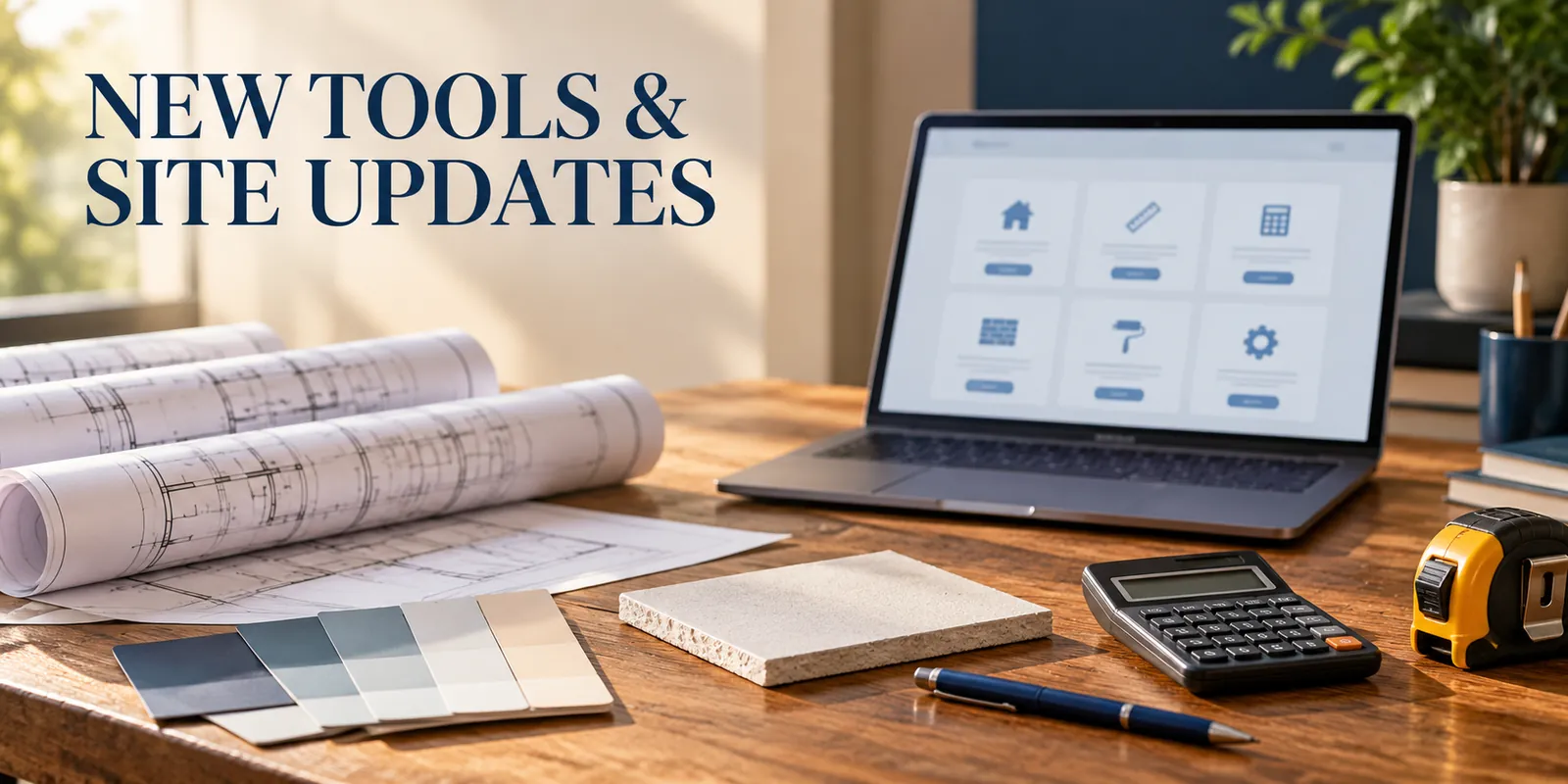
Our Tools directory now brings together calculators for roofing, painting, drywall and electricity, alongside the HVAC planner and Emergency Decision Assistant. They are free to use in a browser without creating an account.
Roofing Materials & Cost Calculator
The Roofing Materials & Cost Calculator adds a way to estimate roof area and quantities for asphalt shingles, roof tiles or metal roofing. You can enter rectangular roof sections, account for pitch, choose a waste allowance and use product-specific coverage information.
It supports feet or meters, with pitch entered as rise per 12 or in degrees. Optional underlayment and user-entered material and labor costs make it useful for assembling an early budget. Print and PDF options let you keep the result for a discussion or project file.
We also refined the guide’s unit and pitch controls so the explanation can follow the measurement format you are using. The material fields change with the roofing type, making it clearer which coverage figure belongs in the estimate.
It is still a planning calculator, not a detailed roof takeoff or installation specification. Our roofing calculator guide explains the inputs and the limits in more detail.
Electricity Cost Calculator
The Electricity Cost Calculator answers a different kind of budgeting question: how much might an appliance cost to run?
Enter power in watts or kilowatts, your price per kWh, daily operating hours and a calculation period. It shows energy use and running costs, plus an annual projection based on the same daily pattern for 365 days.
It does not monitor a home, connect to a utility account or include every component of a bill. Its purpose is to make a clear comparison from figures you supply. The new appliance electricity cost guide walks through the formula, a worked example and ways to use the result at home or work.
Painting Materials & Cost Calculator
The Painting Materials & Cost Calculator starts with either a known surface area or room measurements. It estimates paint volume and packages using your coverage, coats and waste allowance, with a separate optional primer calculation.
Advanced mode can combine multiple rooms, each with its own doors, windows and ceiling choice. You can enter material prices and hourly or per-area labor to build a budget around the quantities.
For a homeowner, that makes a shopping plan easier to check. For a worker or business owner, it helps explain what an estimate includes. The Painting Calculator guide also shows how to keep a saved estimate beside receipts and labor records without confusing the tool with an automatic expense tracker.
Drywall Materials & Cost Calculator
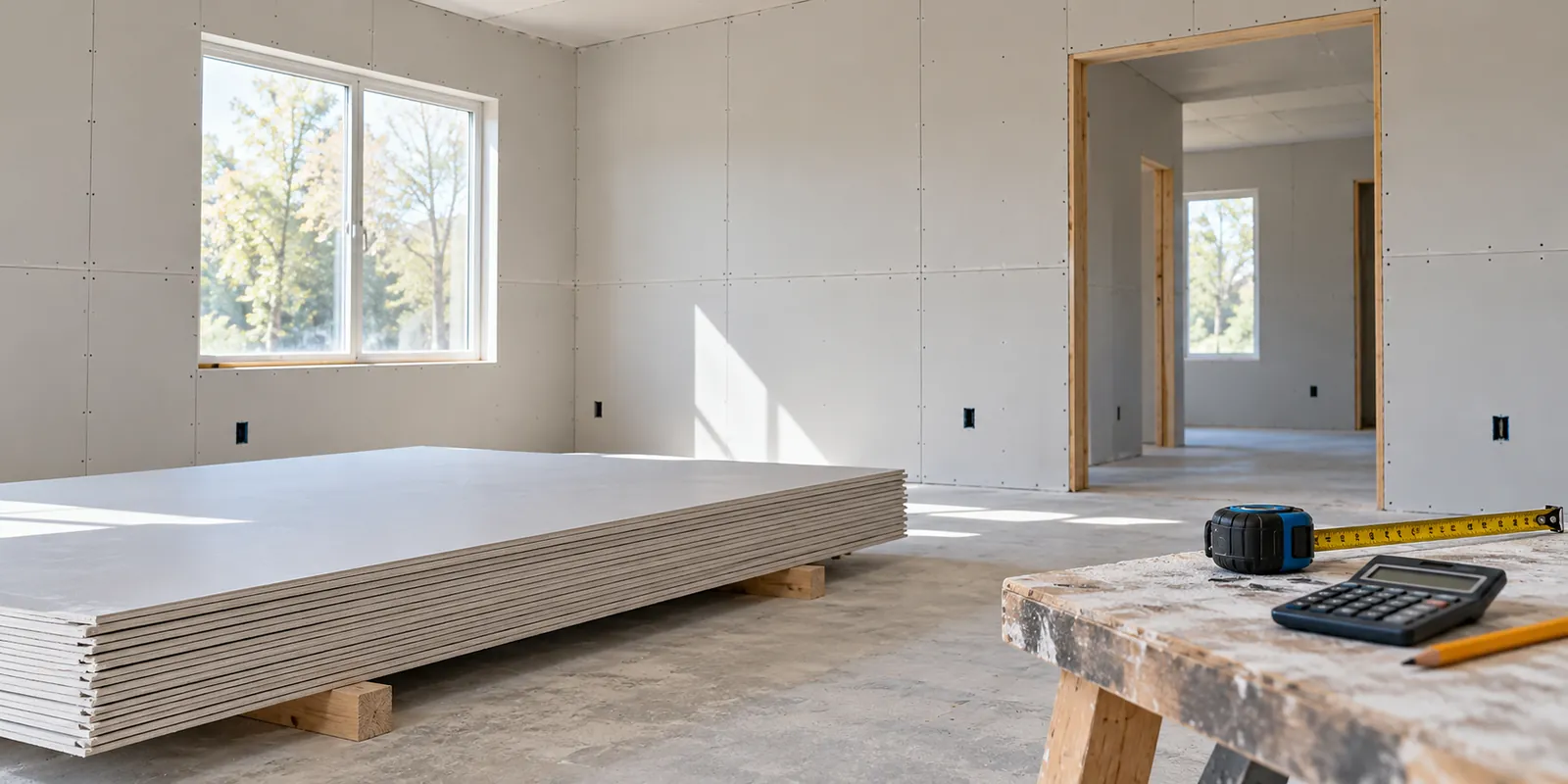
The Drywall Materials & Cost Calculator estimates whole boards from a known area or a set of rooms. Choose a common sheet size or enter custom dimensions, add a waste allowance and include your own board, additional-material and labor costs.
It works with drywall or plasterboard dimensions in US and metric units. Advanced mode keeps each room’s openings separate before combining the net areas.
An area-based board count is useful for planning, but it cannot arrange sheets on framing or decide how cuts and offcuts will work. The Drywall Calculator guide explains that distinction, with examples for sheet quantities and project costs.
Multi-room estimates and more flexible measurements
Painting and Drywall can now handle up to 20 rooms in one Advanced estimate. This matters for projects that extend beyond one room: a small office, a rental refresh or several spaces in a home.
Each room has its own dimensions, door and window openings and optional ceiling. The result includes room-area totals as well as the combined area, so it is easier to spot something that does not look right before using the estimate.
We have also made unit handling clearer. US and Metric presets offer a quick start, while individual controls allow compatible changes to room lengths, areas, paint volumes and board dimensions. The shared room-unit selector sits beside Room 1 rather than being repeated as if each room had a separate setting.
Currency is deliberately different from measurement conversion. USD and EUR select how entered prices are displayed; they do not apply an exchange rate. The calculators also use prices supplied by the visitor, rather than presenting assumed local contractor rates as facts.
Reports that are easier to keep and discuss
A useful estimate should not disappear as soon as you close a tab. Roofing, Painting and Drywall provide print and PDF options so you can keep a document for your own records.
The recent report work includes clearer headings, more readable spacing and contrast, organized estimate details, and a more prominent materials, labor and total-cost section where costs are entered. Painting and Drywall report styling now follows the same general approach as the roofing estimate. Longer PDF content can continue across pages instead of being forced into one cramped sheet.
Painting and Drywall also offer Copy results for a short summary and Share calculator for the page link. Sharing the link does not send your entered measurements or prices. If someone needs the estimate itself, save and send the report separately.
The Electricity calculator remains a simpler on-screen tool without a dedicated print or PDF export. Its results can be recorded in your own notes for comparisons.
A Tools directory that is easier to browse
With six tools, one long list was no longer the clearest way to present the collection. The directory now groups them into four categories:
- Construction & Home Improvement: roofing, painting and drywall calculators.
- Energy & Utilities: the electricity cost calculator.
- Home & Business Maintenance: the HVAC checklist and seasonal planner.
- Emergency & Decision Guides: the Home & Business Emergency Decision Assistant.
Cards have consistent descriptions and opening buttons, and the layout adapts for smaller screens. The Tools navigation has been updated so visitors can reach the expanded collection without hunting through the blog.
We also refined calculator controls: clearer labels and room inputs, visible keyboard focus, keyboard switching between Basic and Advanced modes, and more predictable focus after removing a room. These details are easy to overlook until you are filling out a longer estimate.
More guidance for the existing tools
The HVAC Maintenance Checklist & Seasonal Planner and Home & Business Emergency Decision Assistant remain part of the collection. They were already introduced in earlier updates, so this release builds around them rather than presenting them as new launches.
The Emergency Assistant now has a more developed on-page usage guide and refreshed FAQ styling. Roofing’s guide and FAQ sections follow a similar visual approach to the HVAC page, giving the collection a more consistent feel.
The U.S.-focused scope notices remain visible for the HVAC planner and Emergency Assistant. Their guidance and service connections should not be confused with a diagnosis, professional inspection or emergency response.
More service options, including Texas roofing
Service coverage has grown alongside the tools. After repeated requests from callers in Texas, we added six regional roofing contact routes matched to ZIP-code lists, while keeping the existing nationwide roofing option and Connecticut routes.
The Texas roofing coverage announcement explains how to check the current options. The service finder uses the selected location and applicable coverage; a listed connection does not guarantee an appointment or that every project type is accepted.
We have also improved links from relevant pages into the Services finder. Supported country and service selections can be carried into the finder, reducing the need to start the same search again. You still need to check the remaining location details and provider availability.
QuickServiceSearch connects visitors with listed providers and services. We do not perform the work or endorse or guarantee a provider.
More visibility for international services
Since the last roundup, Wise International Money Transfer has joined the service catalog, with a guide explaining the money-transfer service.
The homepage now also highlights three international service connections: car rental, international eSIM and Wise. Car rental and eSIM were already part of the directory; the change makes those options more visible alongside home and property services.
New articles cover international eSIM use while traveling and travel planning with car rental, connectivity and other practical arrangements. The aim is to explain how a service might fit into a trip before a visitor follows a provider connection.
Easier article sharing and more useful guides
Blog posts now include a centered sharing section with a Facebook option, a copy-link control and native sharing where the browser supports it. That makes it easier to send a useful article to someone who is planning the same job or facing a similar question.
The homepage’s Latest Blog Posts section has moved closer to the service finder. We have also continued linking related guides and tools so visitors can move from an explanation to the relevant calculator or checklist.
New articles since the last update include the power outage preparedness guide, November 1, 2026 clock-change checklist, and flight delay and cancellation guide. Older articles about HVAC maintenance, winter heat-pump problems and drywall repair received more detailed guidance and clearer links to useful next steps.
We also completed thumbnail work and improved the presentation of comparison and warning information in selected posts. Those changes help longer articles remain readable on a phone rather than relying on wide blocks of dense text.
Clearer navigation, privacy information and reliability checks
Breadcrumbs and their structured data are now handled more consistently across the site, making the relationship between pages clearer. This supports navigation and helps describe the site to search engines; it does not guarantee how any particular result will appear in search.
The Privacy Policy and Terms of Service have been updated for the expanded tools collection, browser-based calculations, report handling and estimate limitations. The calculator inputs are processed in the browser rather than sent to a server for calculation. Unlike the HVAC planner’s separate progress feature, the new calculators do not persistently save entered estimates for a later visit.
Analytics consent handling is more consistent across tool pages. Where analytics is accepted, calculator interaction events describe actions such as starting or downloading a report; they do not include the entered measurements, prices or report contents.
Behind the pages, checks have been expanded for unit conversion, multiple rooms, report generation, keyboard interaction and mobile layouts. Older checks have also been brought into line with the current tools, so they continue testing relevant behavior as the site grows.
Start with the question you need answered
You do not have to use every tool to get something useful from the update. If you are buying paint, start with the paint quantity. If you are planning new drywall, start with the coverage area. If an appliance’s running cost is unclear, start with its power and realistic operating hours.
The expanded Tools directory brings those starting points together. We want the next conversation—with a supplier, a colleague, a contractor or someone at home—to begin with clearer information and fewer numbers guessed from memory.
Share this article
Know someone who might find this useful? Pass it along.