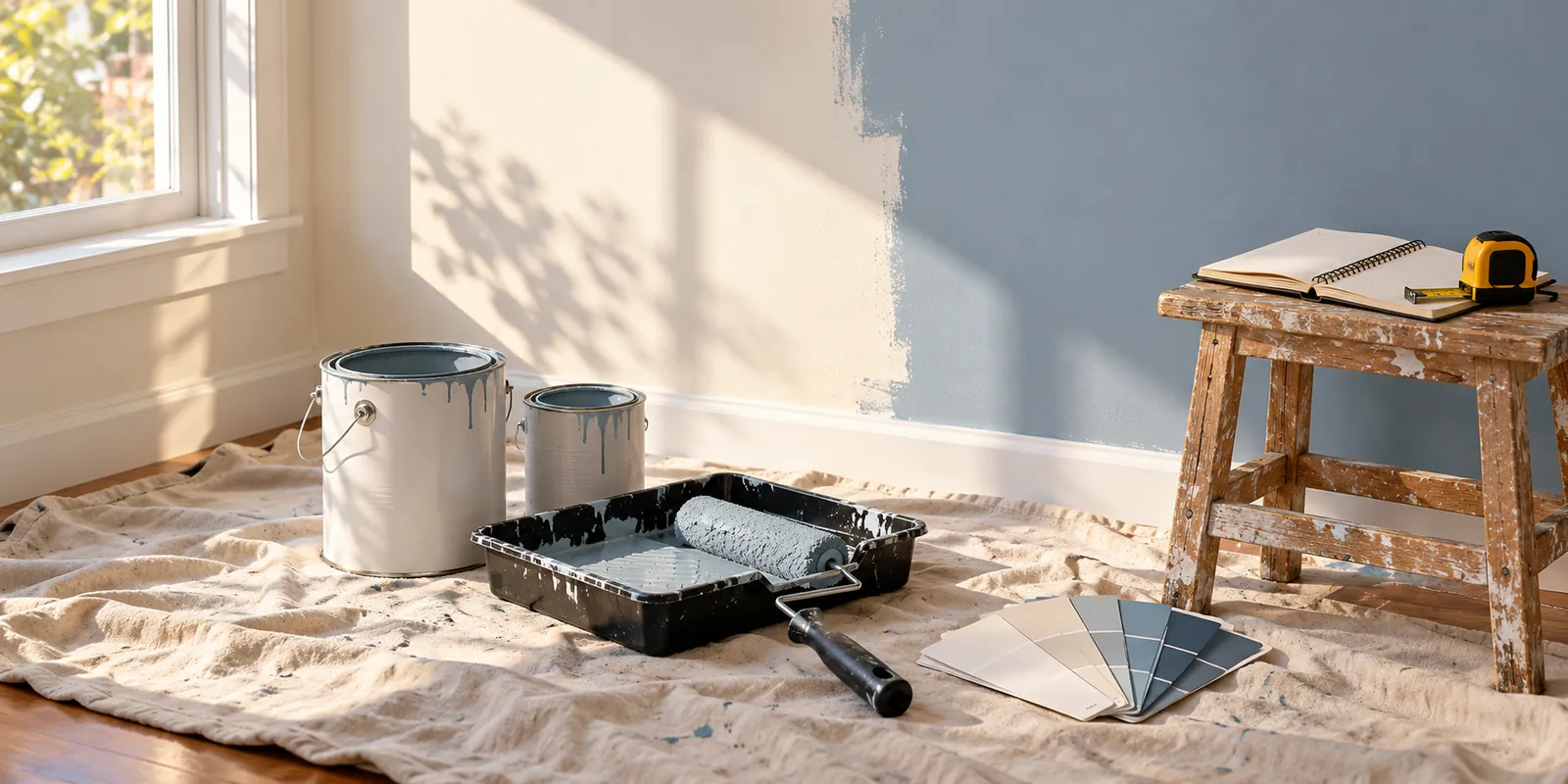
Buying paint sounds straightforward until you have to decide how many cans belong in the cart. Then come the other questions: are you painting the ceiling, does the primer need a separate budget, and how much of the total is labor?
The free Painting Materials & Cost Calculator brings those questions into one estimate. It calculates paint quantities and whole packages from your area, coats, coverage and waste allowance. You can also enter primer, extra materials and labor costs, then print or download a PDF to keep with the project.
For a homeowner, that can mean a clearer shopping plan. For a worker or business owner, it can mean an estimate that is easier to explain, revise and compare with actual spending later.
How much paint do I need for a room?
Start with the surface you will paint, rather than the room’s floor area. For a rectangular room, the calculator uses:
Gross wall area = 2 × (length + width) × height
It then subtracts the door and window openings you enter and adds the ceiling if you select it. The paint requirement depends on that net area, the number of coats, the waste allowance and the product’s stated coverage.
A 12 × 10 ft room with 8 ft walls has 352 sq ft of gross wall area before openings. Its 120 sq ft floor area is not the wall-painting area. If you are painting the ceiling too, that adds a separate 120 sq ft before applying the coating assumptions.
This is why a room paint calculator is useful: it keeps the measurements and the decisions about what is included visible while you work.
Choose Basic or Advanced mode
Basic: you already know the paintable area
Use Basic calculator mode when you have a measured surface total. Enter it in square feet or square meters, then fill in the paint details. This works well for a known wall area or a total already prepared from plans.
Check that the number represents the surfaces included in your job. A house’s floor area is not automatically its interior painting area, and entering it as such can give a misleading quantity.
Advanced: calculate one room or several rooms
Advanced mode lets you add up to 20 rooms, each with its own length, width, height, doors, windows and optional ceiling. Openings are deducted from the room they belong to, and the net areas are combined.
The shared room-dimension unit selector sits beside Room 1 and applies to all rooms. You can choose feet, inches, meters or centimeters, while area is displayed in square feet or square meters. The US and Metric presets offer a quick starting point, and compatible values convert when you change units.
Use the room totals to check that an opening or ceiling has not been counted twice. Entries remain in place when you switch between Basic and Advanced during the current page session, but this is not a saved-project account.
Enter the paint coverage and package size
Use the manufacturer’s coverage for the product you plan to buy. The calculator supports an area-per-gallon or area-per-liter figure, or coverage stated per paint package. Enter the package size separately so the result can show how many whole cans or containers are needed.
For example, a calculated requirement of 3.14 US gallons means four 1-gallon packages if that is the package size selected. It does not mean the store will sell exactly 3.14 gallons. Whole packages are rounded upward, and the material cost uses that package count.
The gallon option is a US gallon, not an Imperial gallon. Check the label before copying coverage and volume figures from a product sold in a different market.
Set the number of coats and any waste allowance to match the job. The tool does not decide how many coats a surface needs. Surface condition, product instructions and the finish you are trying to achieve still need consideration.
Keep primer separate from finish paint
If the project calls for primer, enable the separate primer estimate and enter its coverage, coat count, package size and optional price. That keeps its quantity and cost distinct from the finish paint.
For a worker preparing a materials request, this separation is helpful. “Four paint packages plus primer” is more useful than one unexplained material total. It also makes changes easier to spot if a different primer or package size is selected later.
The combined room estimate uses common paint settings. If rooms need different colors, products, coat counts or coverage assumptions, calculate those groups separately and save a report for each. The tool does not maintain a different paint schedule for every room inside one estimate.
Estimate painting materials and labor costs
The cost fields are optional. You can work out quantities first, then add prices when you have them. The available inputs include the paint package price, primer package price when enabled, an additional-materials allowance, labor and an optional tax or VAT percentage.
Labor can be entered in either of two ways:
- Hourly labor: enter an hourly rate and estimated hours.
- Labor per area: enter the rate per square foot or square meter shown by the calculator.
The per-area labor calculation uses the net paintable area, not that area multiplied by the number of coats or waste. Choose a labor rate that reflects the scope you intend it to cover.
Prices are supplied by you. The calculator does not look up local painter rates, supplier discounts or current paint prices. Blank price fields remain unknown; a partial total should not be mistaken for the complete project budget.
You can display costs in USD or EUR. Changing currency does not convert the entered amounts. The optional tax percentage is a simple calculation applied to the entered subtotal, not a determination of which charges are taxable. Use it only where that treatment fits the estimate you are preparing.
A worked paint quantity and budget example
Suppose you have 500 sq ft of paintable surface, two coats, coverage of 350 sq ft per US gallon and a 10% waste allowance. These are illustrative inputs, not a product recommendation.
The required coverage is 500 × 2 × 1.10 = 1,100 sq ft. Dividing by 350 gives about 3.14 US gallons, which rounds up to four 1-gallon packages.
Using hypothetical prices and no primer or tax in this example:
- Four paint packages at $35 each: $140.
- Additional materials allowance: $30.
- Eight labor hours at $25 per hour: $200.
- Estimated total of those entered items: $370.
The value of the example is the method. Replace the coverage, package sizes, prices and labor assumptions with figures for your own project. If preparation or access equipment adds cost, make sure that cost is accounted for rather than assuming it is hidden inside the total.
How workers, business owners and homeowners can use the estimate
Workers: make the handoff clearer
A painter, maintenance worker or employee gathering measurements can use the report to support a materials request. Save the estimate and keep the room measurement notes with it, so whoever approves the purchase can understand the area, coverage and cost assumptions.
If the job changes, create a revised report. An added room or ceiling is easier to explain when you can compare the earlier estimate with the new one.
Business owners: organize the budget before purchasing
For a rental property, office refresh or small commercial project, separate materials from labor and use consistent inputs when comparing options. A lower package price is not automatically the lower project cost if coverage or package size differs.
You can also compare a materials-only estimate with one that includes labor. Add your own records for other business costs, scheduling, invoices and approvals. The calculator does not determine a selling price or track profitability automatically.
Homeowners: plan a realistic shopping list
Use the paint quantity estimate before shopping, then check it against the actual product label. Including the ceiling, primer and an allowance for extra materials early can make the budget more useful than looking only at the price of a paint can.
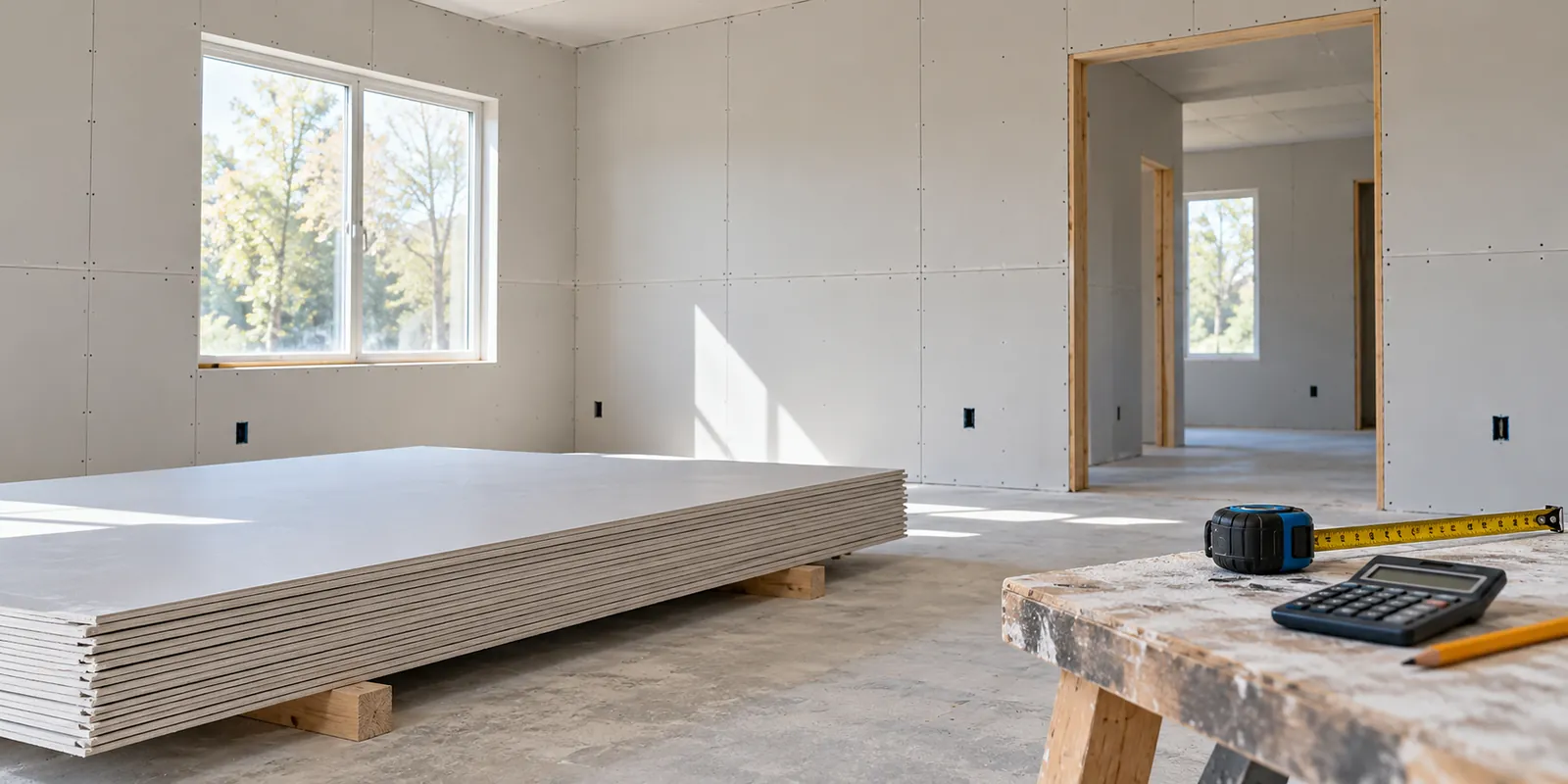
If walls need repair before decorating, our drywall repair or replacement guide explains considerations to discuss before you move on to painting.
Keep track of expenses with a saved starting estimate
The calculator helps you organize an estimated budget. It does not import receipts, record payments or automatically track spending as the job progresses.
A practical workflow is to save the original estimate, keep actual receipts and labor records alongside it, and compare the two after purchasing or completing the work. Give revised files clear names, such as “office-paint-estimate-before-ceiling” and “office-paint-estimate-with-ceiling.” That is your own filing system, not a feature that stores projects on the website.
Use Print estimate for a paper report, Download PDF for a saved document, or Copy results for a short summary. Share calculator shares the page link; it does not include your measurements or costs. Send the downloaded report separately when you want someone to review the figures.
Calculations and report generation happen in your browser. The tool does not save your estimate persistently, so keep the report and any detailed measurement notes before reloading or leaving the page.
Painting calculator FAQs
Can I calculate paint for a whole house?
You can combine up to 20 rectangular rooms in Advanced mode. For different paints, colors or coat requirements, prepare separate estimates for the relevant groups of surfaces.
Does the calculator subtract doors and windows?
Yes, when you enter their dimensions in Advanced mode. They are deducted from the walls of their own room, while an included ceiling is calculated separately.
Can I estimate paint in liters and square meters?
Yes. The calculator supports metric area and volume, along with US gallons and square feet. Use compatible coverage units from the product label.
Does a higher coat count automatically increase the labor estimate?
Not by itself. Material coverage changes with coats, but labor follows the hours or per-area rate you enter. Review labor separately when the scope changes.
Is the PDF a contractor quote or invoice?
No. It is a planning estimate based on your inputs. It does not confirm a contractor’s price, accepted scope or actual expenses.
When you have your measurements and a product in mind, open the Painting Materials & Cost Calculator and build the estimate one step at a time. If drywall work comes first, the Drywall Materials & Cost Calculator can help with that separate part of the plan. Listed provider connections are available through the Services directory, subject to location and availability.
Share this article
Know someone who might find this useful? Pass it along.