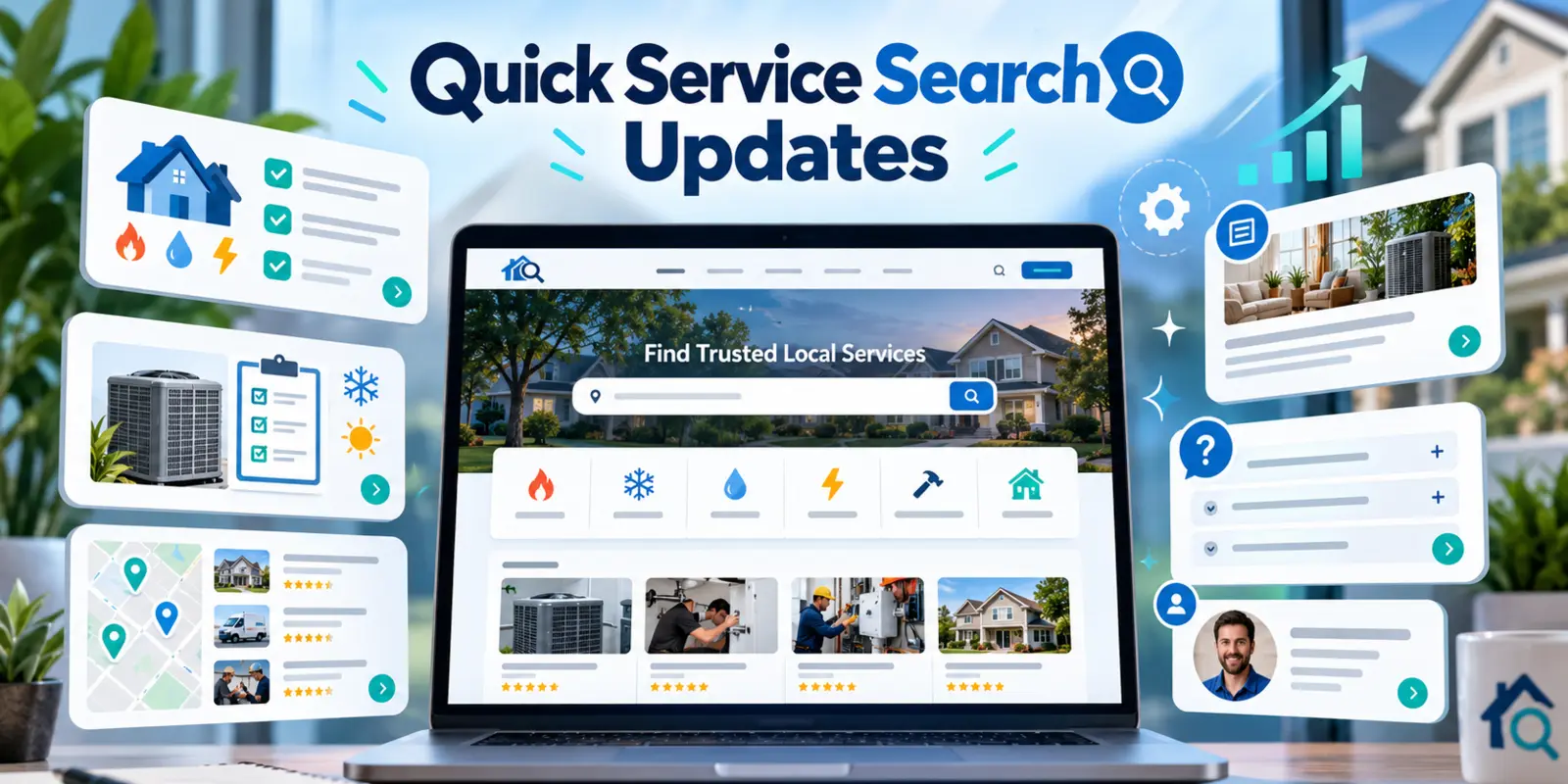
I started Quick Service Search after a colleague asked me again and again where to find service providers across America. It sounded like a simple question, but it pointed to a familiar frustration: when something needs attention, finding the right service option can take more effort than it should. I wanted to make that first step easier. Over the past few days, we’ve added services, clarified location coverage, and made the site easier to use on the way from search to next step.
Here’s a look at what changed between October 10 and 13, and why those details matter.
More services and broader coverage
The service directory now includes Car Rental options for international destinations, Buy/Sell Businesses listings across 32 countries, and an international eSIM service. We also added HVAC to the service finder, so people looking for heating and cooling help have another way to explore available options.
For Biohazard Cleanup, we added ZIP code coverage and phone routing to help visitors see where the service is listed and how to continue. Service availability still depends on location, so the options shown may differ by country, state, or ZIP code.
We also removed Car Detailing after that service was discontinued. Keeping the directory current matters as much as adding new categories: outdated options can waste a visitor’s time.
A clearer Services page
The Services page now organizes location coverage around each service. Visitors can browse countries first, then expand U.S. states and ZIP code details where those are available. Location counts make it easier to see how much coverage is listed without opening every section.
We made the coverage lists more compact while keeping the location information visible in the page. That helps people scan the options more quickly and gives search engines readable page content to understand.
A more helpful homepage, including on mobile
The homepage’s “How It Works” section now walks through the service search in three illustrated steps: choose a country, select a service, and follow the connection option shown. The idea is to make the process clear before someone starts searching.
We also adjusted homepage buttons for smaller screens. A service directory needs to be comfortable to use on a phone, since that’s often where people look when they need help.
Fresh blog guides and more consistent images
We published a global Car Rental guide, a furnace troubleshooting guide, and two winter home-service guides about heat pumps and frozen pipes. These articles add practical information alongside the service listings.
We also standardized blog thumbnails around a 2:1 image shape and responsive sizing so images fit the homepage, blog index, article pages, and related-post cards more consistently. The furnace guide’s image display was fixed as part of that work. Matching hero treatments across the main pages help the site feel more cohesive as visitors move around.
External safety references in the guides open in a new tab, so readers can consult the source and return to the article without losing their place.
Still improving, one useful detail at a time
A service search website is only helpful when people can understand what is available where they live and what to do next. These updates are a meaningful step toward making Quick Service Search easier to browse, more useful across locations, and clearer on both desktop and mobile.
If you haven’t looked around recently, browse the updated service directory and see which options are listed for your location.
Share this article
Know someone who might find this useful? Pass it along.